Why enterprise AI reliability starts with remediation, redaction, metadata, and retrieval governance
Most enterprise AI teams do not fail because the model is incapable.
They fail because the model is being connected to a data estate that was never prepared for retrieval.
That distinction matters.
A polished AI assistant can still produce weak, stale, overconfident, or unsafe answers if the retrieval layer underneath it is full of duplicated documents, obsolete files, low-quality OCR, under-classified records, broken permissions, and untraceable source material.
Retrieval-augmented generation is often discussed as if the core implementation problem is simple:
- connect the data
- embed the documents
- ask a question
- return an answer
But real enterprise data does not arrive in a clean, governed, model-ready shape.
It lives across file shares, SharePoint sites, CRM exports, legacy databases, internal wikis, policy folders, product documentation, support logs, scanned PDFs, spreadsheets, and operational systems that were never designed to feed AI workflows.
Some of that material is current.
Some of it is stale.
Some of it is duplicated.
Some of it contains PII, PCI, secrets, credentials, intellectual property, or internal-only context.
Some of it has no owner, no metadata, no classification, and no defined refresh path.
If that material is pushed into embeddings without remediation, the business does not get governed intelligence.
It gets a faster search interface over unmanaged risk.
The data layer decides whether RAG can be trusted
When RAG systems perform badly, teams often start by changing the visible AI layer.
They rewrite the prompt.
They swap the model.
They increase the context window.
They adjust the chunk size.
They test a different vector database.
Those changes can help, but they do not solve the deeper problem if the source material is unreliable.
Before the model can produce a grounded answer, the retrieval system has to answer a more basic set of questions:
- Which sources are authoritative?
- Which records are duplicated?
- Which documents are obsolete?
- Which content should be excluded?
- Which data requires redaction?
- Which chunks can each user role retrieve?
- Which source changed, and what needs invalidating?
- Which owner signs off the pipeline before release?
This is why enterprise RAG is not just an AI implementation problem.
It is a data remediation, security, governance, and operations problem.
The remediation work most teams underestimate
The phrase "clean your data" sounds too small for what production AI requires.
Enterprise remediation is not a cosmetic tidy-up.
It is the control layer that turns fragmented corporate data into retrieval-ready infrastructure.
That means building a pipeline that can:
- inventory and score source systems
- extract from legacy applications without damaging live operations
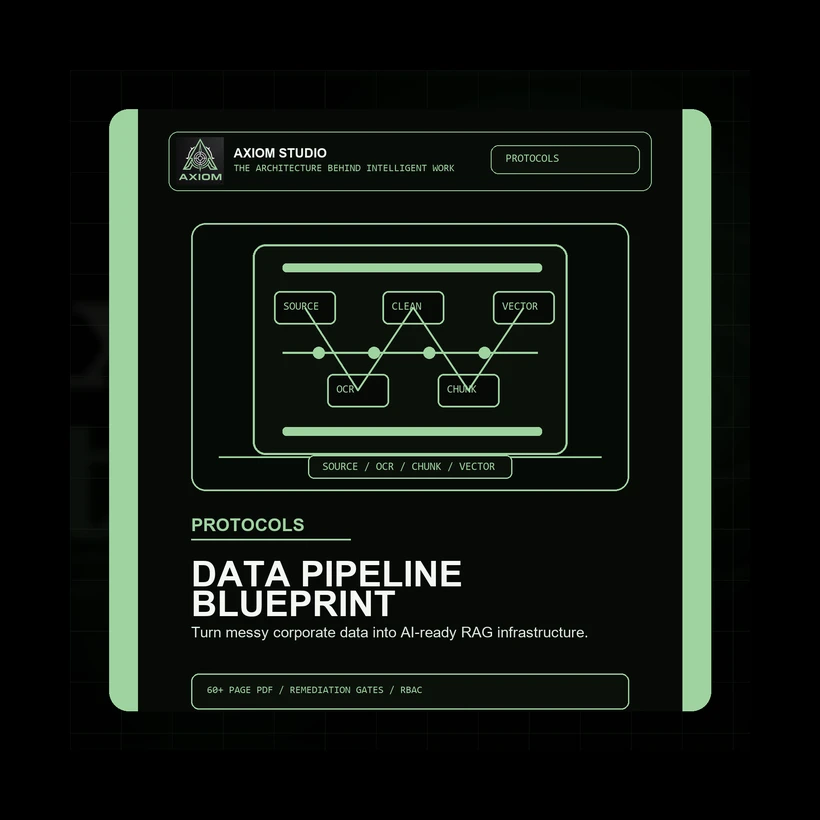
- process unstructured documents through OCR and layout-aware parsing
- remove redundant, obsolete, and trivial material
- normalize inconsistent records and entity names
- classify sensitivity before embedding
- redact PII, PCI, secrets, credentials, and proprietary material
- enrich documents and chunks with metadata
- create chunking rules that preserve meaning
- select embedding and hybrid retrieval strategies
- tune vector storage and indexing behavior
- enforce RBAC before content reaches the model context
- apply TTL, cache invalidation, monitoring, and rollback controls
- require release evidence before production use
Without those controls, the AI layer is operating on hope.
With them, the organization can start treating retrieval as infrastructure.
Five failure points that quietly weaken enterprise RAG
1. Legacy systems are connected before they are understood
Many organizations start by connecting whatever data source is easiest to access.
That creates a false sense of progress.
A useful retrieval system needs source classification first. The team has to know which repositories are authoritative, which are archival, which are sensitive, which are high value, and which require remediation before ingestion.
The goal is not to ingest everything.
The goal is to build a controlled route from trusted source material to answerable context.
2. Unstructured documents are flattened too early
PDFs, scans, DOCX files, HTML exports, tables, policies, manuals, and reports often lose meaning when they are extracted as raw text.
Tables become unreadable.
Headers detach from sections.
Footnotes lose their references.
Multi-column layouts collapse into noisy sequences.
If the extraction layer does not preserve structure, the chunking layer receives weak material, and the retrieval layer has less meaningful evidence to return.
Layout-aware extraction, OCR confidence checks, table serialization, quarantine rules, and source traceability should happen before embedding.
3. ROT content pollutes the index
ROT means redundant, obsolete, and trivial.
It is one of the quietest causes of retrieval failure.
Old policies, duplicate exports, copied manuals, outdated onboarding guides, expired pricing files, meeting invites, empty templates, boilerplate footers, and abandoned drafts can all compete with current source material.
When that content enters a vector index, the model may retrieve stale or low-value fragments with the same confidence as approved knowledge.
ROT removal is not optional in serious enterprise AI systems.
It is a retrieval quality control.
4. Sensitive data reaches the embedding layer
Sensitive data needs to be controlled before tokenization and embedding.
Once private material enters a vector store, removal becomes harder because the representation may live in embeddings, caches, indexes, summaries, logs, and downstream retrieval outputs.
An enterprise-grade pipeline needs classification and redaction gates before embedding.
That includes deterministic patterns for known formats, secret scanning, entity recognition, policy-based classification, exception handling, audit logs, and human review for high-risk cases.
Access control also has to happen before retrieval returns source text.
It is not enough to retrieve restricted chunks and ask the model not to reveal them.
Unauthorized material should not enter the context window.
5. The system has no invalidation loop
RAG systems age quickly.
Policies change.
Product documentation changes.
Customer commitments change.
Prices change.
Access permissions change.
Source records are updated, deleted, corrected, or superseded.
If the retrieval layer has no change data capture, TTL rules, cache invalidation, re-indexing logic, or review cadence, it slowly becomes less reliable while still looking operational.
That is one of the most dangerous failure modes in enterprise AI.
The answer still arrives.
It is just grounded in old reality.
What a hardened RAG data pipeline should contain
A production-ready data pipeline should include control points across the full path from source to answer.
At minimum, teams should be able to map:
- source systems and ownership
- extraction method and allowed load windows
- OCR and document parsing rules
- quarantine conditions for low-confidence material
- duplicate and near-duplicate detection
- obsolete content rules
- normalization and entity resolution logic
- security classification schema
- redaction patterns and exception approvals
- metadata requirements
- chunking strategy by use case
- embedding model selection criteria
- hybrid retrieval behavior
- vector database architecture
- RBAC enforcement at retrieval time
- TTL and cache invalidation logic
- monitoring, rollback, and production sign-off
This is not bureaucracy.
It is what lets teams answer the question every enterprise AI initiative eventually faces:
Can we trust the material this system is retrieving?
A practical blueprint for teams building enterprise RAG
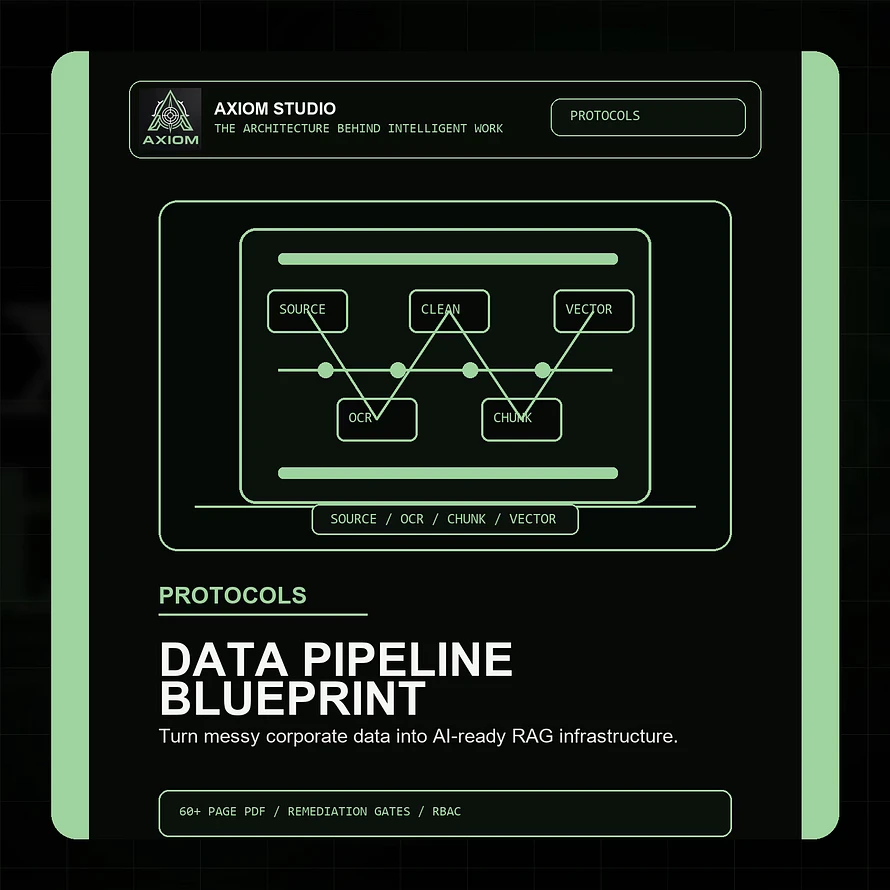
The Axiom Enterprise Data Remediation & Pipeline Hardening Blueprint was built for this exact layer.
It is a premium technical protocol for data leaders, AI consultants, solutions architects, and engineering teams preparing messy corporate data for reliable retrieval-augmented generation.
The blueprint maps the full path from fragmented legacy sources to governed, AI-ready retrieval infrastructure:
- AI data readiness assessment
- target RAG data architecture
- legacy silo extraction and CDC strategy
- OCR and unstructured document processing
- duplicate, obsolete, and trivial data removal
- normalization and entity resolution
- PII, PCI, secrets, and IP redaction gates
- metadata enrichment
- context-aware chunking
- parent-child retrieval strategy
- embedding model selection and cost mapping
- hybrid retrieval using BM25 and dense vectors
- vector database architecture and HNSW tuning
- TTL, cache invalidation, and RBAC hardening
- RAG pipeline canvas
- production readiness and sign-off checklist
It is designed to help teams move from vague data-cleaning conversations to an actual operating blueprint.
Not another prompt pack.
Not another surface-level AI guide.
A structured implementation framework for the layer that decides whether enterprise AI can retrieve, reason, and respond from controlled knowledge.
Who this is best for
This blueprint is especially useful for:
- Chief Data Officers
- data engineering directors
- enterprise data architects
- solutions architects
- database administrators
- AI consultants building RAG systems
- internal platform teams preparing data for AI assistants and agent workflows
If your organization is preparing internal data for AI search, knowledge assistants, agent workflows, customer-support copilots, analyst tools, or operational RAG systems, this is the layer to get right before scaling.
The real question before enterprise AI deployment
The question is not only:
Can the model answer?
The better question is:
What exactly is the model allowed to retrieve from?
Until that is clear, the AI system is only as reliable as the unmanaged data underneath it.
Before building another demo, fix the pipeline.
Before scaling retrieval, harden the source layer.
Before trusting outputs, control the path from corporate data to model context.
That is where enterprise AI reliability begins.
Get the blueprint
The Axiom Enterprise Data Remediation & Pipeline Hardening Blueprint gives teams a structured framework for turning fragmented corporate data into governed, secure, retrieval-ready AI infrastructure.
Use it to assess your current data estate, design a hardened RAG pipeline, define remediation controls, and prepare stronger release evidence before production deployment.
View the Axiom Enterprise Data Remediation & Pipeline Hardening Blueprint